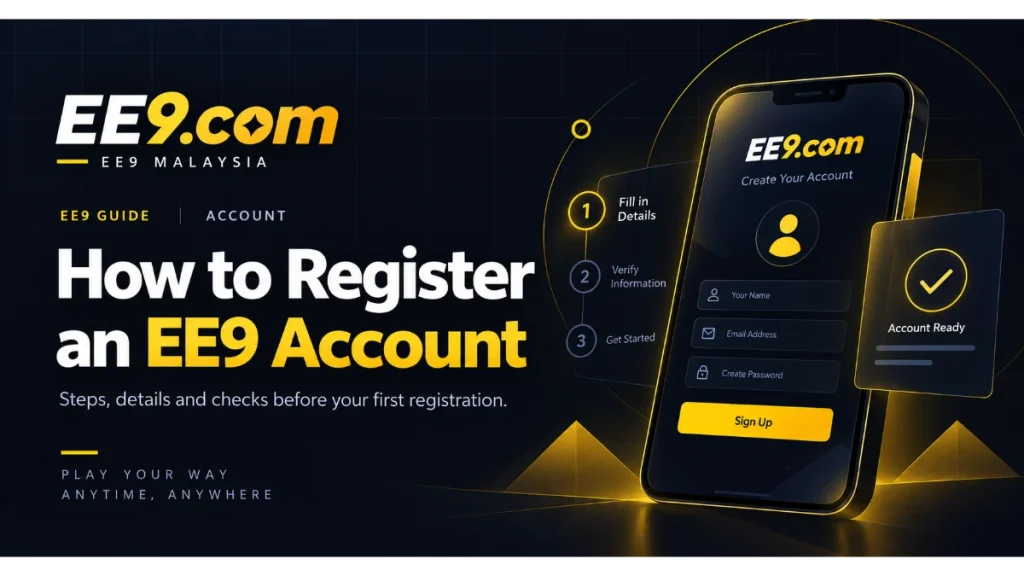
Opening an EE9 account starts with a short form, but taking a moment to prepare can prevent avoidable problems later. Use the official EE9 pages you already trust, enter details that belong to you, and read what is shown on screen before submitting anything. This guide explains the process without assuming which fields or verification steps are currently available, because the registration flow may change over time.
If you are new to EE9 Malaysia, this guide helps you review the registration process and the details worth checking before creating an account.
Before you open the registration form
Begin from the EE9 website rather than a link forwarded by an unfamiliar sender. The dedicated EE9 registration page is the natural starting point. Check that the address in your browser is the one you intended to visit, especially if you arrived through a message, advertisement, or saved bookmark.
Have access to the mobile number or email address you plan to use. You may need it for account notices or a confirmation step, depending on the current form. Choose contact details that you control and can continue using. Shared inboxes and temporary numbers can make future account recovery more difficult.
You should also decide on a strong, unique password before filling in the form. Reusing the password from your email, bank, social media, or another gaming account creates unnecessary risk. A password manager can generate and store a long password so you do not have to rely on a memorable pattern.
Complete the EE9 registration form carefully
Open the form and work through each field in order. The exact information requested may depend on the current EE9 registration setup. Enter accurate details and check spelling before moving on. A small error in a name, phone number, or email address can cause confusion when you later try to sign in or contact support.
If the form presents optional preferences, promotional consent, or a referral field, read the labels rather than guessing. Optional does not mean required. Only enter a referral or campaign code when you received it from a source you recognise and the form accepts it. The registration screen should be treated as the current reference for what is available.
Create your password in a private place where other people cannot see the screen. Avoid names, birthdays, repeated digits, or short keyboard sequences. If a password rule appears beside the field, follow that current rule and do not share the finished password with anyone.
Review the terms before submitting
Registration normally includes a confirmation that you accept applicable terms or meet an age requirement. Read the wording displayed with the checkbox and follow the legal requirements that apply to you. The current EE9 terms provide the fuller context for account use, while individual campaigns can have additional conditions.
Review the form one final time. Make sure the contact details are yours, the password has been stored safely, and any selected preference reflects what you want. Do not rush because a countdown, message, or third party tells you to act immediately. A legitimate account setup should leave you enough time to check your own information.
What may happen after you register
After a successful submission, follow the instructions shown on the confirmation screen. Depending on the current process, you may be taken to your account, asked to complete a confirmation, or directed to sign in. Do not assume that every account follows exactly the same next step.
When registration is complete, use the official EE9 login page and enter the credentials you just created. Save the correct sign-in page as a bookmark if that helps you avoid lookalike links later. Never send your password or a one-time code to somebody claiming that they need it to activate your account.
If a welcome promotion is displayed, review it separately before choosing to participate. The EE9 promotions page is a useful place to see current availability, but always read the terms attached to the specific offer shown in your account.
If the form does not complete
First check for a field highlighted by the form. Common causes include a missing required value, a password that does not match the displayed rule, or contact details already associated with an account. Correct only the item identified and submit once more. Repeatedly pressing the button can make it harder to understand whether the first request was accepted.
If the screen freezes, keep a note of where the process stopped, then reload the official page or try a current browser after confirming your internet connection. Avoid creating several accounts just because the first confirmation is delayed. If you may already have registered, try account recovery or ask for help rather than starting over.
The EE9 support page explains the available contact route. Share a concise description of the issue and the contact detail connected to the account, but never include your full password. Screenshots can be useful when they exclude passwords, codes, financial details, and other sensitive information.
A sensible first-session checklist
- Confirm that you can reach the account through the official login route.
- Keep your unique password in a secure password manager or another private location.
- Review the account profile and correct any editable typo you notice.
- Read current promotion and transaction information before making a decision.
- Sign out when using a shared or public device.
Registration is only the doorway into EE9. A careful setup gives you a cleaner starting point for using the platform, asking for help, and recognising unexpected account activity. Keep your credentials private and use the information displayed in your account as the latest source for available features.